
Reset a forgotten password
Reset your BelkaVPN password by email from the Forgot your password page at belkavpn.com.
Reset a forgotten password
Can't remember your BelkaVPN password? Request a reset link at belkavpn.com/forgot-your-password, then use the link in your email to set a new password. It only takes a minute.
[!NOTE] Before you start: make sure you can open the inbox for the email on your BelkaVPN account. The reset link goes only to that address, and the account email can't be changed.
Quick summary
- On the sign-in page, select Forgot your password?.
- Enter your account email, complete the reCAPTCHA, and select Send reset link.
- Open the email from BelkaVPN and follow the link to create a new password.
Step 1 — Open the Forgot your password page
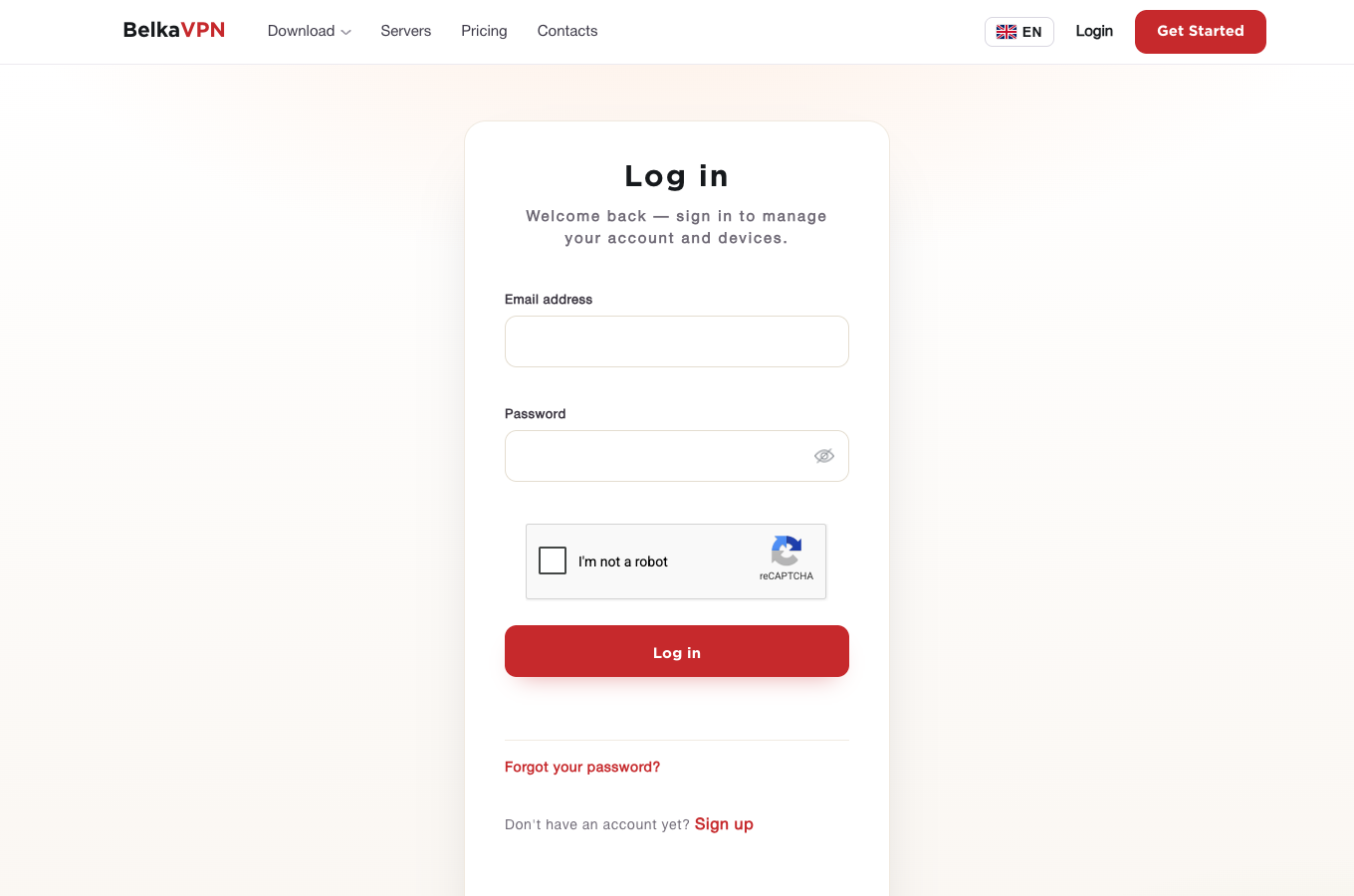
Go to the BelkaVPN sign-in page and select Forgot your password? below the Log in button. You can also go straight to belkavpn.com/forgot-your-password.
Step 2 — Request a reset link
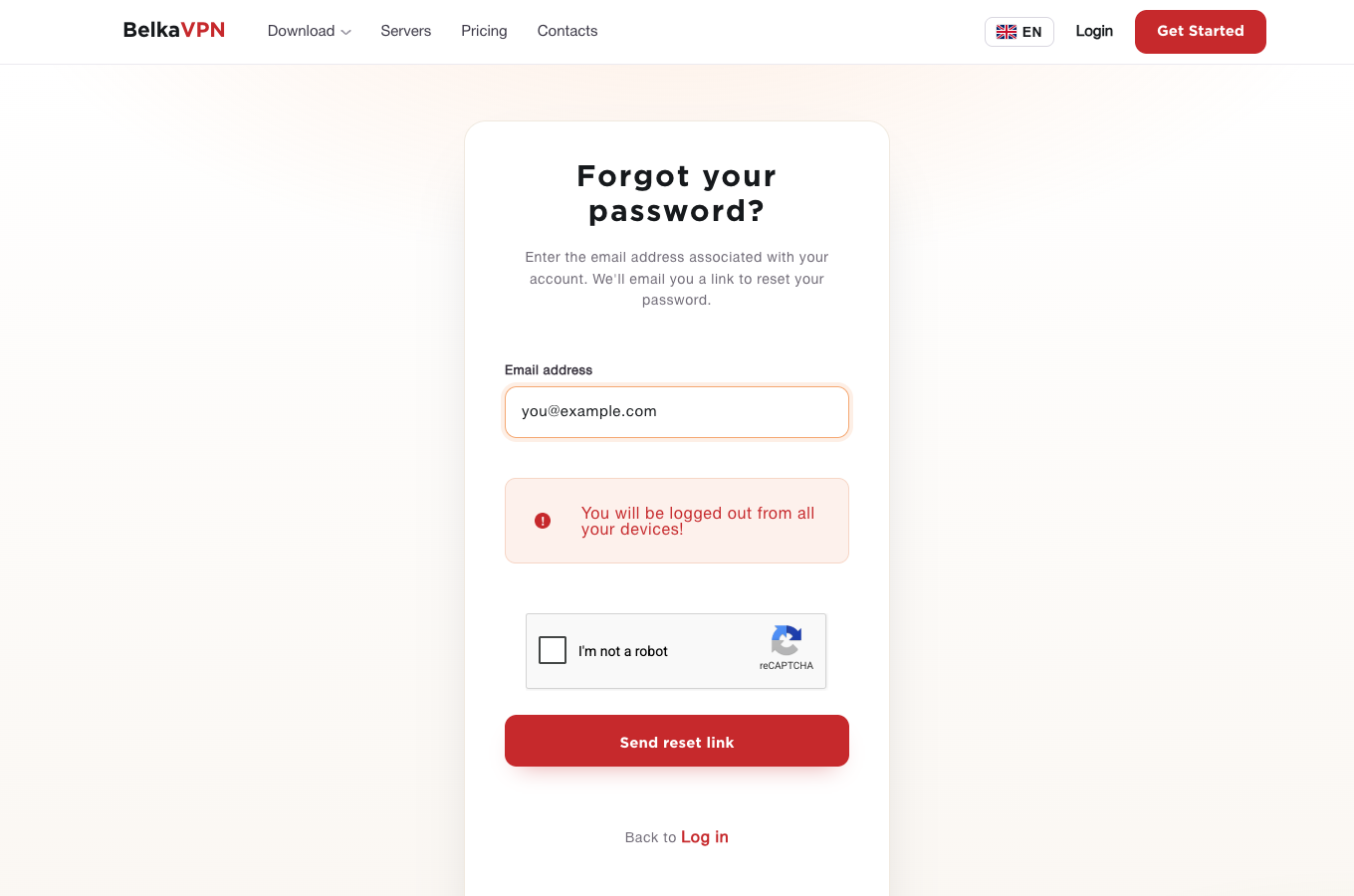
- In Email address, enter the email on your BelkaVPN account.
- Tick I'm not a robot to complete the reCAPTCHA.
- Select Send reset link.
A confirmation says Your reset link is on the way! If a BelkaVPN account exists for that email, you'll receive a message with a reset link.
[!NOTE] Resetting your password signs you out of BelkaVPN on all your devices. Sign in again with your new password on each app and extension you use.
Step 3 — Set a new password
- Open the email from BelkaVPN. It contains a link to reset your password.
- Select the link. It opens a BelkaVPN page where you can type your new password.
- Enter your new password and save it.
Then sign in at belkavpn.com/login-page with your new password.
Troubleshooting
- The reset email hasn't arrived. Emails can sometimes be delayed. Check your spam or junk folder, wait a few minutes, then request a new link. If it still doesn't arrive, contact BelkaVPN.
- You don't get an email at all. Make sure you entered the exact email on your BelkaVPN account. For privacy, the confirmation looks the same whether or not an account exists for that address.
- The apps ask you to sign in again. This is expected after a reset. Sign in with your new password.